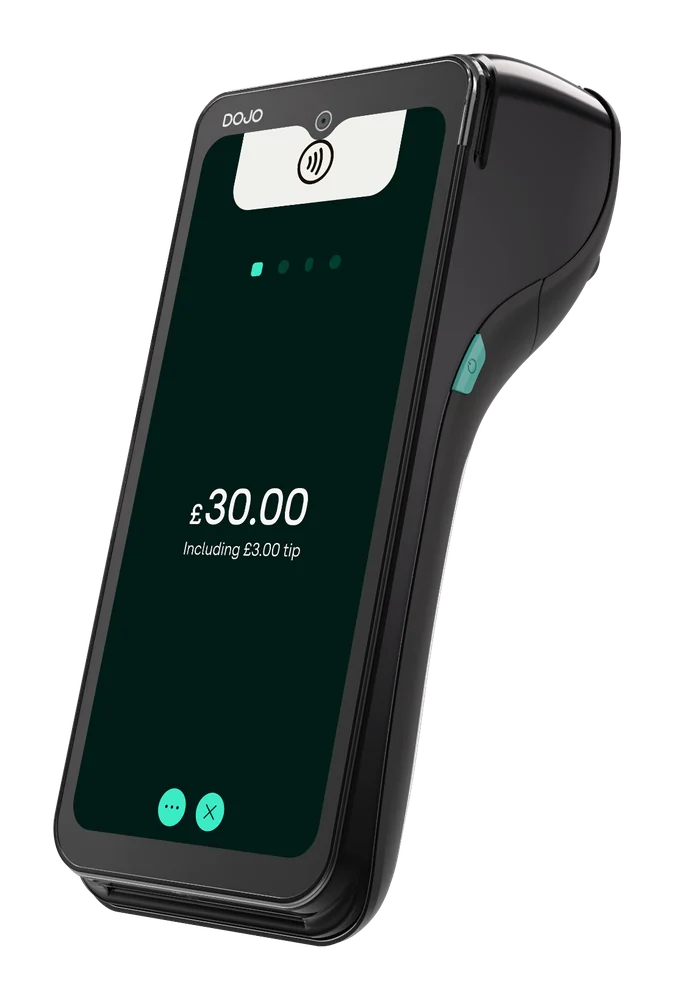
DOJO Go Max
Portable terminal with Wi-Fi and 4G, built-in receipt printer and stated battery life up to 10 hours; check connection at your payment points.
Explore DOJO Go Max ↗DOJO payments · Reeve Consult
Take card payment at your customer’s premises when the job is done. Compare a portable DOJO machine with Tap to Pay on iPhone, including connection, receipts and costs.
Reeve Consult · Authorised partner

Choosing a card machine
Yes, with a suitable device and a usable connection. DOJO Go Max is portable, supports Wi-Fi and 4G and includes a receipt printer. Tap to Pay on iPhone is a phone-based contactless option for eligible existing DOJO customers using a supported iPhone.
Choose around the places you work, the payment methods customers need and how you keep job records. Your invoicing and accounting system remains separate from the card machine unless a specific connection is confirmed.
Compare DOJO card machines ↓A scene from your working day
The tools are packed, the amount is agreed and the card machine is ready. No shop counter or EPOS till required.
Agree the amount with the customer through your normal quote or invoice process. Keep the payment device charged and within reach.
Illustration only. Confirm the device, connection and software requirements for your business.
A question worth checking
Your card machine records the payment. Keep the quote, invoice and job history in your existing invoicing or accounting system.
Use your normal references to match the payment to the job. If you want software to pass an amount or reconcile a payment automatically, have both suppliers confirm that exact connection. A portable terminal alone does not provide job-management software.
DOJO Go Max ↗
Payments and business tools
Compare portable and phone-based payments, plus a separate business credit card for eligible applicants.
Portable terminal with Wi-Fi and 4G, built-in receipt printer and stated battery life up to 10 hours; check connection at your payment points.
Explore DOJO Go Max ↗
For existing DOJO customers, accept contactless payments with the DOJO for business app on supported iPhone models; device requirements and limits apply.
Explore Tap to Pay on iPhone ↗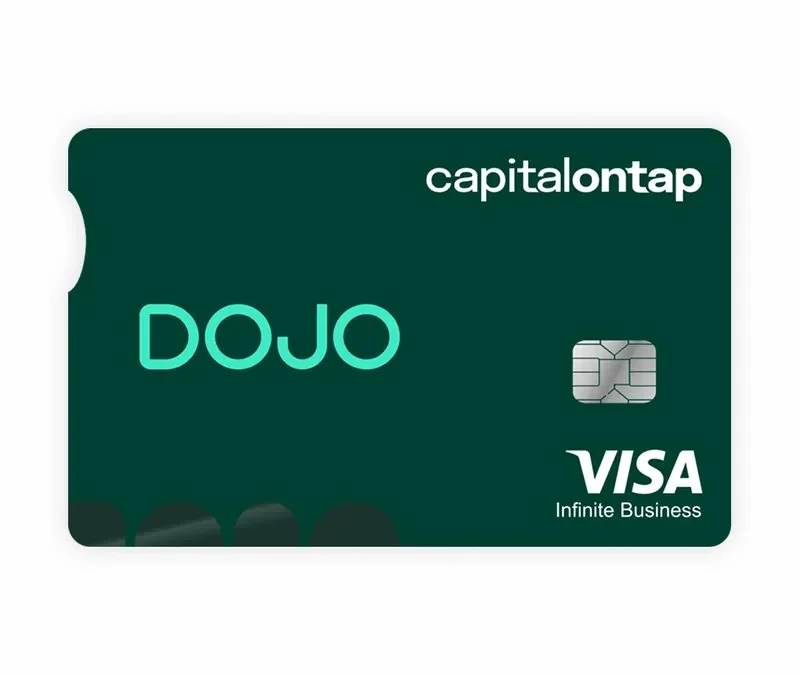
A partner business credit card with rewards from Capital on Tap. Approval, charges and rewards depend on the issuer’s eligibility checks and terms.
Explore Capital on Tap Business Rewards Card ↗Card payment fees
How many jobs do customers pay for by card in a typical month? Compare the full cost at that level, and include quiet months when fixed charges still apply.
Card processing fees explained ↗Changing provider
Leave time to set up and test before the next customer payment.
Review notice terms, update payment details and check accounting tools. Keep the old service available until you have tested the new device and payment process.
How Reeve Consult helps with a switch ↗Other industries we serve
Explore guidance for other working environments.
A portable machine works where connection is available. Go Max supports Wi-Fi and 4G; check coverage where you work.
A terminal records payment. Invoices and job records depend on accounting software and supported integration.
Ask the provider what you can do when a connection is poor or unavailable. Follow its confirmed process rather than assuming the terminal can accept an offline payment.
Go Max has a built-in receipt printer, so you can give the customer a paper receipt on site. Keep the payment record alongside the correct job and invoice in your usual records.
Do not assume there is a direct connection. Confirm your specific accounting product and workflow with both suppliers; otherwise match payment records to invoices through your usual process.
Follow provider storage instructions. Include safe charging and device responsibility in your team process.
Compare processing, device fees, minimums, support, term and exit costs against expected activity.
Wired is a fixed countertop terminal that needs mains power. If you take payment at job sites, compare portable machines and phone-based options against the connection and receipt requirements of your work.
Your payment enquiry
Tell us where you work, how customers pay and whether invoicing software matters.
Product information checked 15 October 2026 against DOJO Go Max, Tap to Pay on iPhone, Capital on Tap Business Rewards Card. Device availability, software support, pricing and commercial terms need confirmation for your setup.
 Retail
 Pubs & bars
 Restaurants
 Markets, food trucks & events
 Health & beauty
 Optical & dental