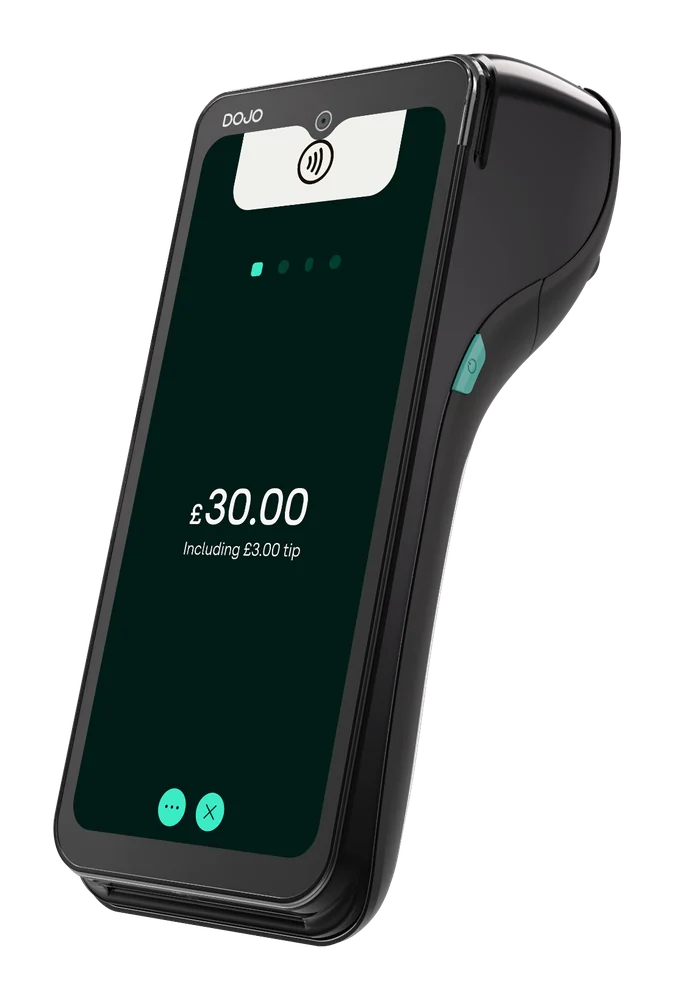
DOJO Go Max
Portable terminal with Wi-Fi and 4G, built-in receipt printer and stated battery life up to 10 hours; check connection at your payment points.
Explore DOJO Go Max ↗DOJO payments · Reeve Consult
Take card payments from your serving hatch, market stall or event pitch. Compare a portable machine with Tap to Pay on iPhone, and plan for power, network coverage and receipts.
Reeve Consult · Authorised partner

Choosing a card machine
DOJO Go Max is a portable card machine with Wi-Fi, 4G and a built-in receipt printer. Tap to Pay on iPhone takes contactless payments through the DOJO for business app on supported iPhones, for eligible existing DOJO customers. The right choice depends on how you trade and the connection at your pitch.
A network specification cannot tell you how a device will work at a particular event. Check the actual trading position, the venue’s Wi-Fi rules and how you will keep the device charged.
Compare DOJO card machines ↓A scene from your working day
A serving hatch, a queue and a card machine within reach. Plan the payment point around the way you serve customers.
Charge the device and check the connection at the actual pitch. Keep the terminal ready at the point where customers pay.
Illustration only. Confirm the device, connection and software requirements for your business.
A question worth checking
Go Max supports Wi-Fi and 4G. Coverage needs checking where you will trade, including outside the main building or away from the venue’s router.
Ask the organiser about Wi-Fi access and restrictions, and test at your pitch. Plan charging and the steps staff should follow if a connection fails. A mobile connection provides another way to connect; it does not establish that payments work without a network.
DOJO Go Max ↗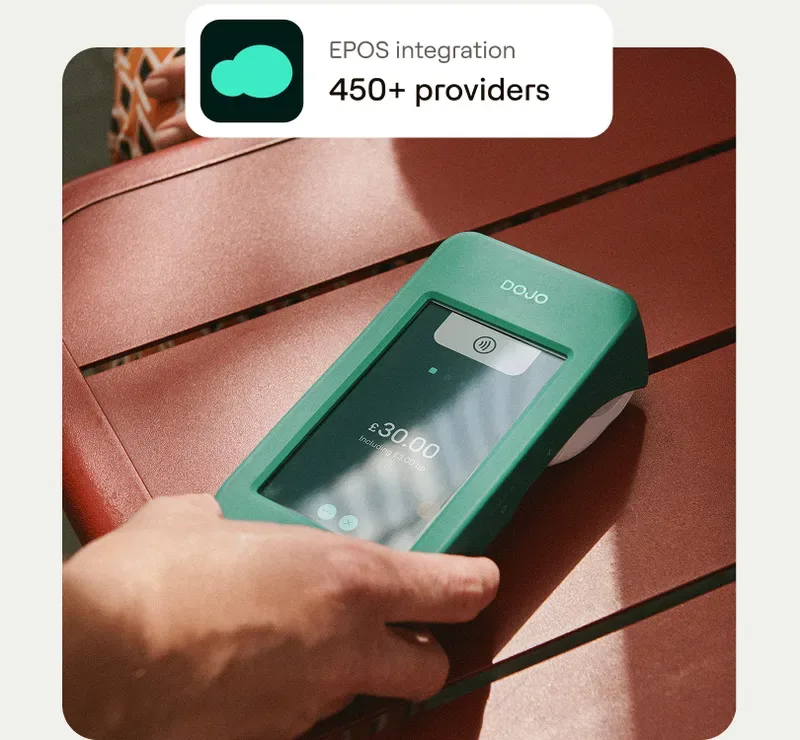
Payments and business tools
Compare portable and phone-based payments, plus a separate funding option for eligible businesses.
Portable terminal with Wi-Fi and 4G, built-in receipt printer and stated battery life up to 10 hours; check connection at your payment points.
Explore DOJO Go Max ↗
For existing DOJO customers, accept contactless payments with the DOJO for business app on supported iPhone models; device requirements and limits apply.
Explore Tap to Pay on iPhone ↗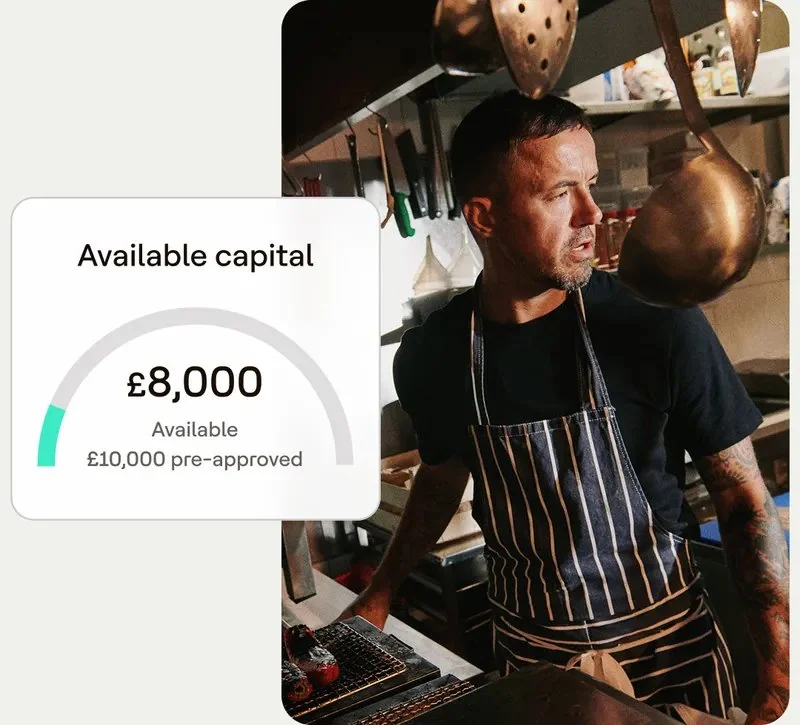
Repayable funding for eligible DOJO businesses, offered with Liberis. Review the personalised fees, daily payments and drawdown terms.
Explore DOJO Flex Funds ↗Card payment fees
Temporary trading can involve more than transaction rates. Compare the quote against your event schedule and payment methods.
Card processing fees explained ↗Changing provider
Seasonal calendars and new venues change where and when you take payments.
Check notice, minimums and device obligations before changing provider. Ask how to update locations and confirm connection or power constraints with organisers.
How Reeve Consult helps with a switch ↗Other industries we serve
Explore guidance for other working environments.
Go Max supports Wi-Fi and 4G, but coverage depends on site and network. Test at the pitch and agree a fallback.
Ask the provider how to register locations. Organisers may set equipment or connectivity requirements.
Follow the backup plan agreed with your provider and event organiser. Offline payments need specific provider support and conditions; a 4G connection alone does not provide that.
Check battery life against planned use and charge beforehand. Go Max lists up to 10 hours; actual use varies.
Go Max has a built-in receipt printer. Check how to obtain receipt rolls and how your team will retain the payment records for each event.
DOJO lists EPOS integrations. Confirm POS, version, connection and required functions with both providers.
Portable equipment may suit a point without a permanent counter. Compare setup, power, security and connection needs.
Ask about processing, device fees, minimums, term and exit costs for busy and quiet periods.
Your payment enquiry
Share the events you attend, payment locations and what you want to compare.
Product information checked 15 October 2026 against DOJO Go Max, Tap to Pay on iPhone, DOJO Flex Funds. Device availability, software support, pricing and commercial terms need confirmation for your setup.
 Retail
 Pubs & bars
 Restaurants
 Health & beauty
 Trades & services
 Optical & dental