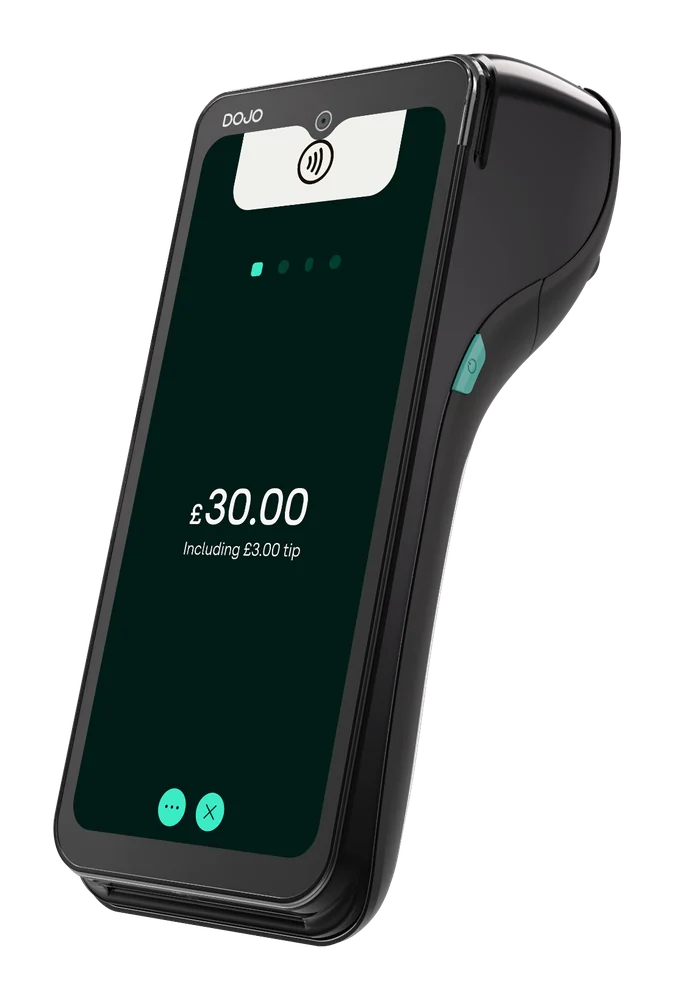
DOJO Go Max
Portable terminal with Wi-Fi and 4G, built-in receipt printer and stated battery life up to 10 hours; check connection at your payment points.
Explore DOJO Go Max ↗DOJO payments · Reeve Consult
Where do guests wait when it is time to pay? Compare DOJO machines for table and counter service, and check how each would work with your restaurant’s EPOS.
Reeve Consult · Authorised partner

Choosing a card machine
DOJO Go Max takes payments at the table, with Wi-Fi, 4G and a built-in receipt printer. DOJO Wired stays at a fixed checkout. If staff need to take orders as well as payments, DOJO Pocket offers that workflow through selected EPOS integrations.
A restaurant can combine fixed and portable machines. Count the payment points used at the same time, then check which devices and functions your EPOS supplier supports.
Compare DOJO card machines ↓A scene from your working day
Keep the bill with the guests, take payment where they are seated and provide a receipt before they leave.
Prepare the correct table bill. With a supported EPOS connection, the till can send the amount to the card machine.
Illustration only. Confirm the device, connection and software requirements for your business.
A question worth checking
A supported payment connection sends the amount from the till to the card machine, so staff do not have to enter it twice.
Give your EPOS supplier the software name and version, and ask which DOJO devices it supports. Table management, menus and kitchen tickets remain features of the EPOS. If you want Pocket for taking orders, check that wider workflow as well as the payment connection.
DOJO integrated payments ↗
DOJO card machines
Go Max handles portable payments. Pocket adds orders through selected EPOS integrations. Wired stays at a permanent checkout.
Portable terminal with Wi-Fi and 4G, built-in receipt printer and stated battery life up to 10 hours; check connection at your payment points.
Explore DOJO Go Max ↗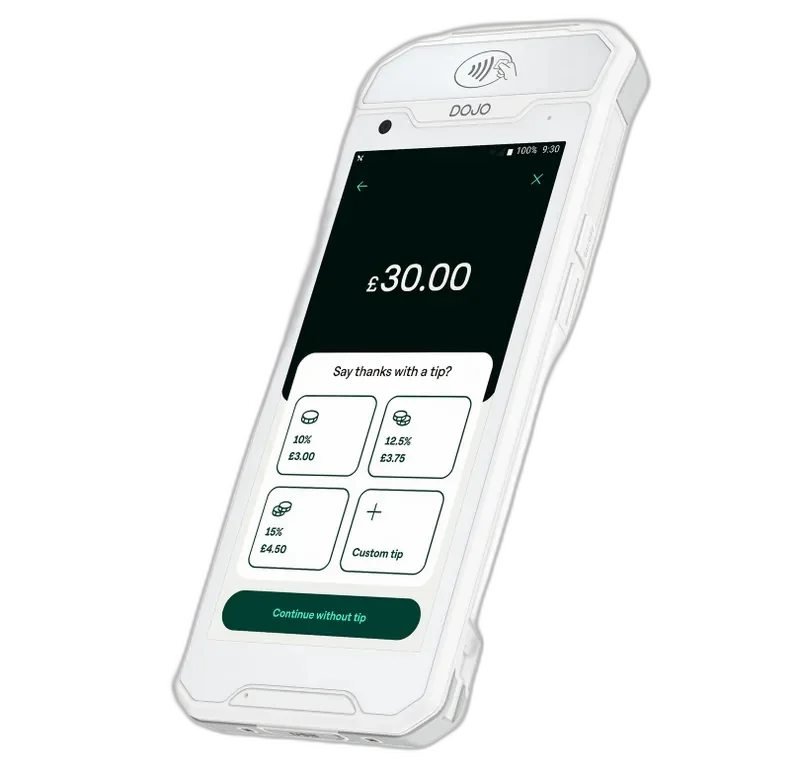
Handheld orders and payments with selected EPOS integrations; confirm your software version and available functions with the supplier.
Explore DOJO Pocket ↗
Mains-powered countertop terminal with Wi-Fi or Ethernet; confirm till support with your EPOS supplier.
Explore DOJO Wired ↗Card payment fees
Compare the full arrangement using your restaurant’s recent merchant statement. Include every device and software charge, as well as the processing rates for the cards your guests use.
Card processing fees explained ↗Changing provider
Plan the change around service and staff training, with both providers clear about when responsibility transfers.
Check your notice period, exit charges and device-return requirements. Agree when the new service starts, then test a sale, a refund, receipts and end-of-day reports before relying on it during service.
How Reeve Consult helps with a switch ↗Other industries we serve
Explore guidance for other working environments.
A portable machine may suit table service. Check signal, agree how the amount is prepared and ask how payment is recorded in EPOS.
DOJO lists bill-splitting among Go Max features. Confirm workflow and how split payments appear in EPOS reports.
DOJO lists tipping as a Go Max feature. Ask how it is configured and how tips are recorded.
A supported connection can pass an amount. Other functions depend on your EPOS software and configuration.
Go Max supports Wi-Fi and 4G. Check the connection on your terrace and agree what staff should do if neither network is available.
A fixed terminal suits a permanent checkout; portable devices can be carried to guests. Map service and confirm support.
Compare processing, authorisation, device, service, integration, refunds, support and contract charges against the same card mix.
Check notice and exit terms, gather a statement, confirm EPOS support and agree installation and testing before ending service.
Your payment enquiry
Tell us about table and counter service, your EPOS and what you want to compare.
Product information checked 15 October 2026 against DOJO Go Max, DOJO Pocket, DOJO Wired, DOJO integrated payments. Device availability, software support, pricing and commercial terms need confirmation for your setup.
 Retail
 Pubs & bars
 Markets, food trucks & events
 Health & beauty
 Trades & services
 Optical & dental