
DOJO Wired
Mains-powered countertop terminal with Wi-Fi or Ethernet; confirm till support with your EPOS supplier.
Explore DOJO Wired ↗DOJO payments · Reeve Consult
Take payment at reception or bring the card machine to your client. Compare fixed and portable DOJO machines, salon software connections and the full cost of switching.
Reeve Consult · Authorised partner
Choosing a card machine
DOJO Wired suits a fixed reception checkout, with mains power and Wi-Fi or Ethernet. DOJO Go Max is portable, connects over Wi-Fi or 4G and prints receipts. Choose around where your clients pay and how your team records each sale.
If your booking or salon software needs to send the amount to the card machine, check the exact integration with its supplier. Appointment management, client notes and stock control are separate software functions.
Compare DOJO card machines ↓A scene from your working day
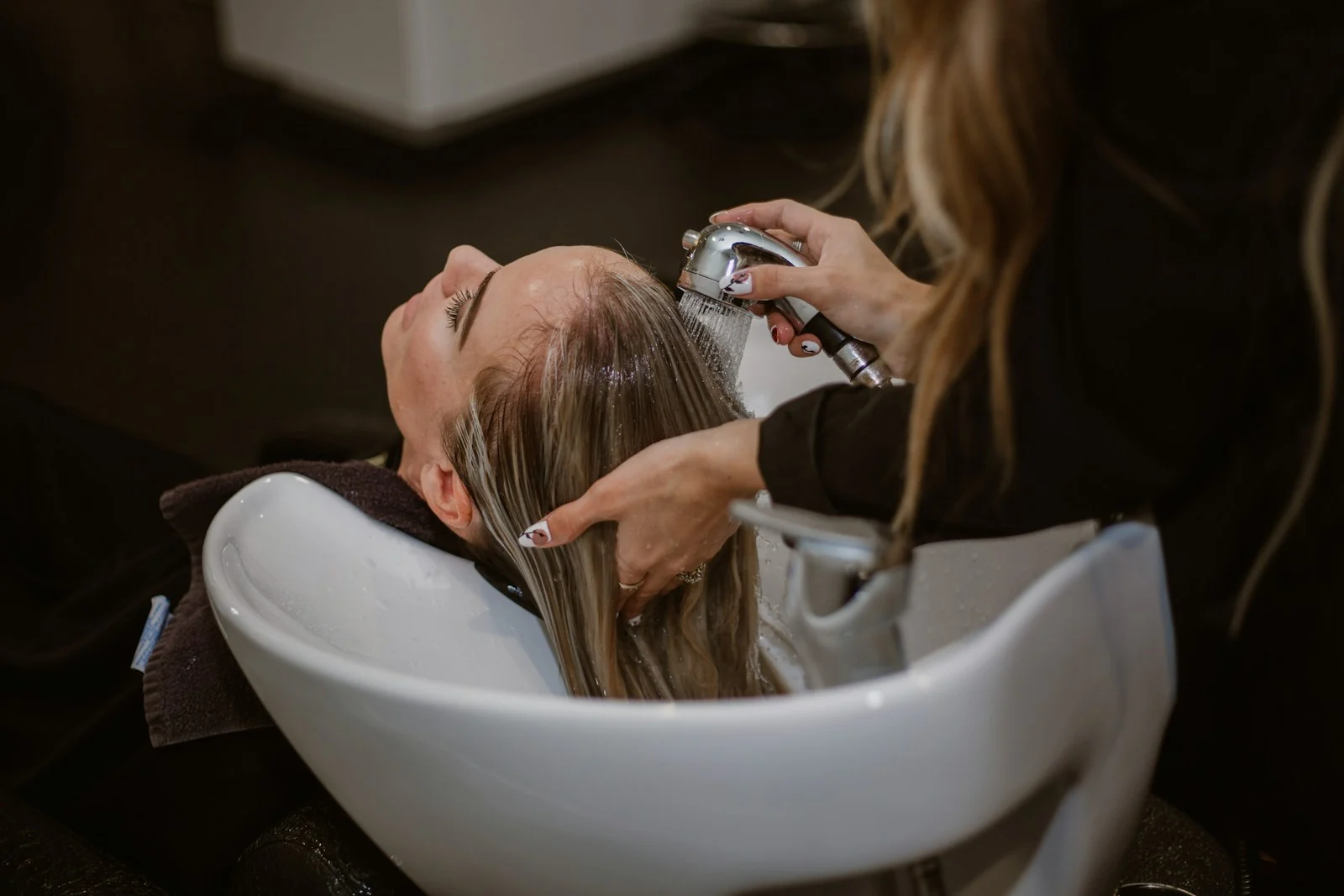
At reception or beside the salon chair, the payment point should fit the end of the appointment.
Confirm the services and any products the client is paying for. Prepare the amount in your normal salon or booking system.
Illustration only. Confirm the device, connection and software requirements for your business.
A question worth checking
With a supported connection, your software can send the sale amount to the card machine. That can avoid entering the same amount twice.
Ask your software supplier about the exact product, version and DOJO devices it supports. Check a service payment, a product sale, a tip and a refund in a demonstration. Booking, client notes and inventory remain functions of the salon software.
DOJO integrated payments ↗
Payments and business tools
Choose a fixed or portable card machine, and explore DOJO Intelligence for a clearer view of your trading.
Mains-powered countertop terminal with Wi-Fi or Ethernet; confirm till support with your EPOS supplier.
Explore DOJO Wired ↗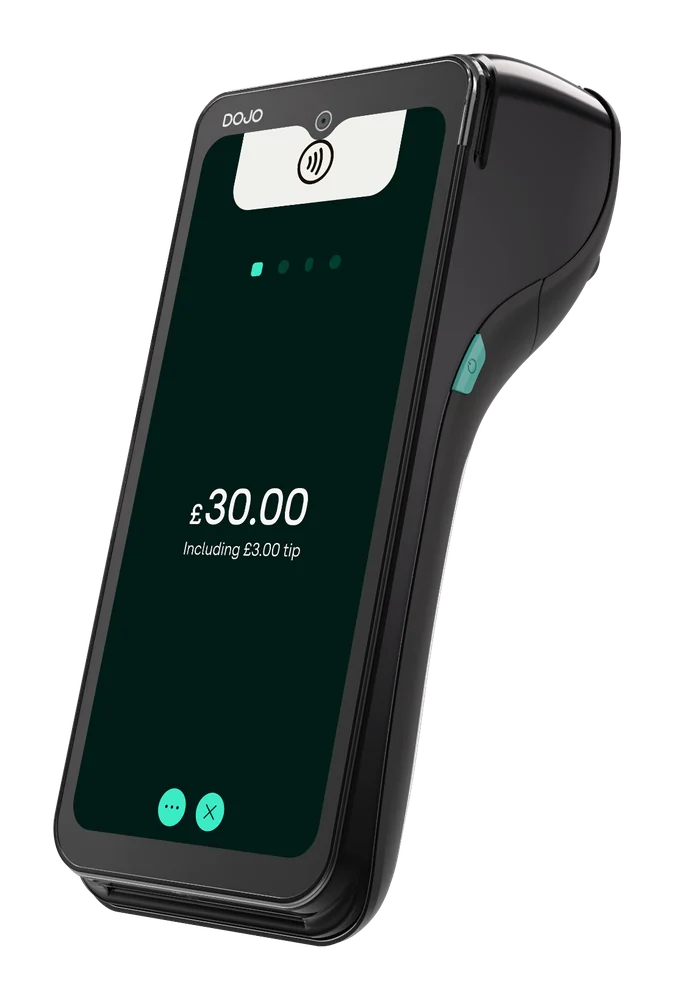
Portable terminal with Wi-Fi and 4G, built-in receipt printer and stated battery life up to 10 hours; check connection at your payment points.
Explore DOJO Go Max ↗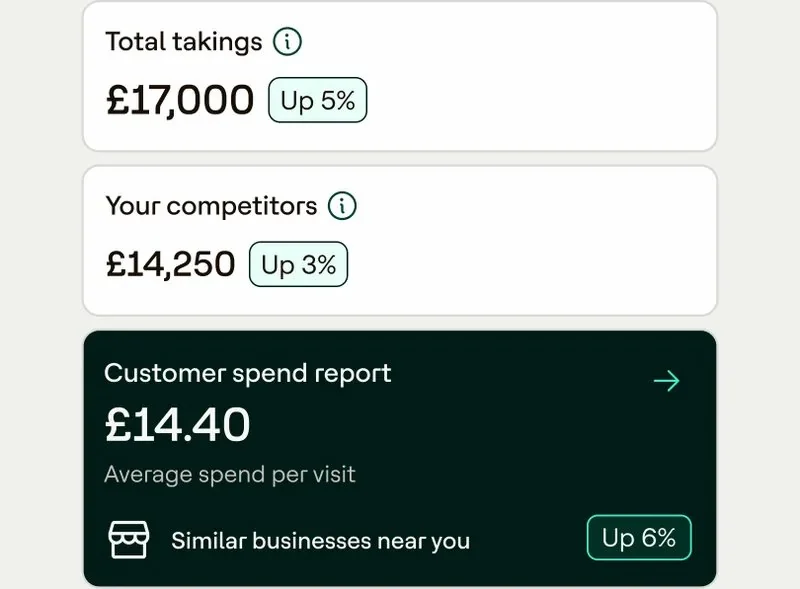
DOJO describes customer insights, competitor benchmarking and weekly reports. Check the reporting available for your business.
Explore DOJO Intelligence ↗Card payment fees
Use a recent statement covering appointment payments, walk-ins and product sales. Compare the same activity with the full cost in the new quote.
Card processing fees explained ↗Changing provider
Coordinate with booking software suppliers and plan around appointments.
Check notice and exit terms, confirm device and software connection, then test payment, refund, receipt and close-of-day process before use.
How Reeve Consult helps with a switch ↗Other industries we serve
Explore guidance for other working environments.
A portable terminal can move to another point. Check connection and keep payment activity separate from appointment or treatment notes.
Ask your booking-software supplier and DOJO whether your software version is supported, which functions connect and what information passes between them.
A portable device may suit both. Check connection, charging, storage and how staff identify the sale.
Do not assume it does. Ask providers what is stored and keep client-care records in the intended system.
DOJO lists tipping on Go Max. Ask how it is enabled and how tips are recorded.
Compare transaction, device, service and software fees using your own payment activity. Include support, contract length and any exit charges.
A terminal takes card payments; stock and sales reporting depend on other software. Confirm with its supplier.
Check notice, agree device setup, then test payments and refunds before scheduling around appointments.
Your payment enquiry
Tell us where clients pay, which booking software you use and what you want to compare.
Product information checked 15 October 2026 against DOJO Wired, DOJO Go Max, DOJO integrated payments, DOJO Intelligence. Device availability, software support, pricing and commercial terms need confirmation for your setup.
 Retail
 Pubs & bars
 Restaurants
 Markets, food trucks & events
 Trades & services
 Optical & dental