
DOJO Wired
Mains-powered countertop terminal with Wi-Fi or Ethernet; confirm till support with your EPOS supplier.
Explore DOJO Wired ↗DOJO payments · Reeve Consult
Compare card machines for reception, optical retail sales and payments after appointments. Review fixed and portable options, software compatibility and the full cost of the arrangement.
Reeve Consult · Authorised partner
Choosing a card machine
DOJO Wired is a fixed, mains-powered countertop machine with Wi-Fi or Ethernet. DOJO Go Max is portable, has Wi-Fi and 4G and includes a receipt printer. Start with reception and any other places where your staff take payments, then check the software connection you need.
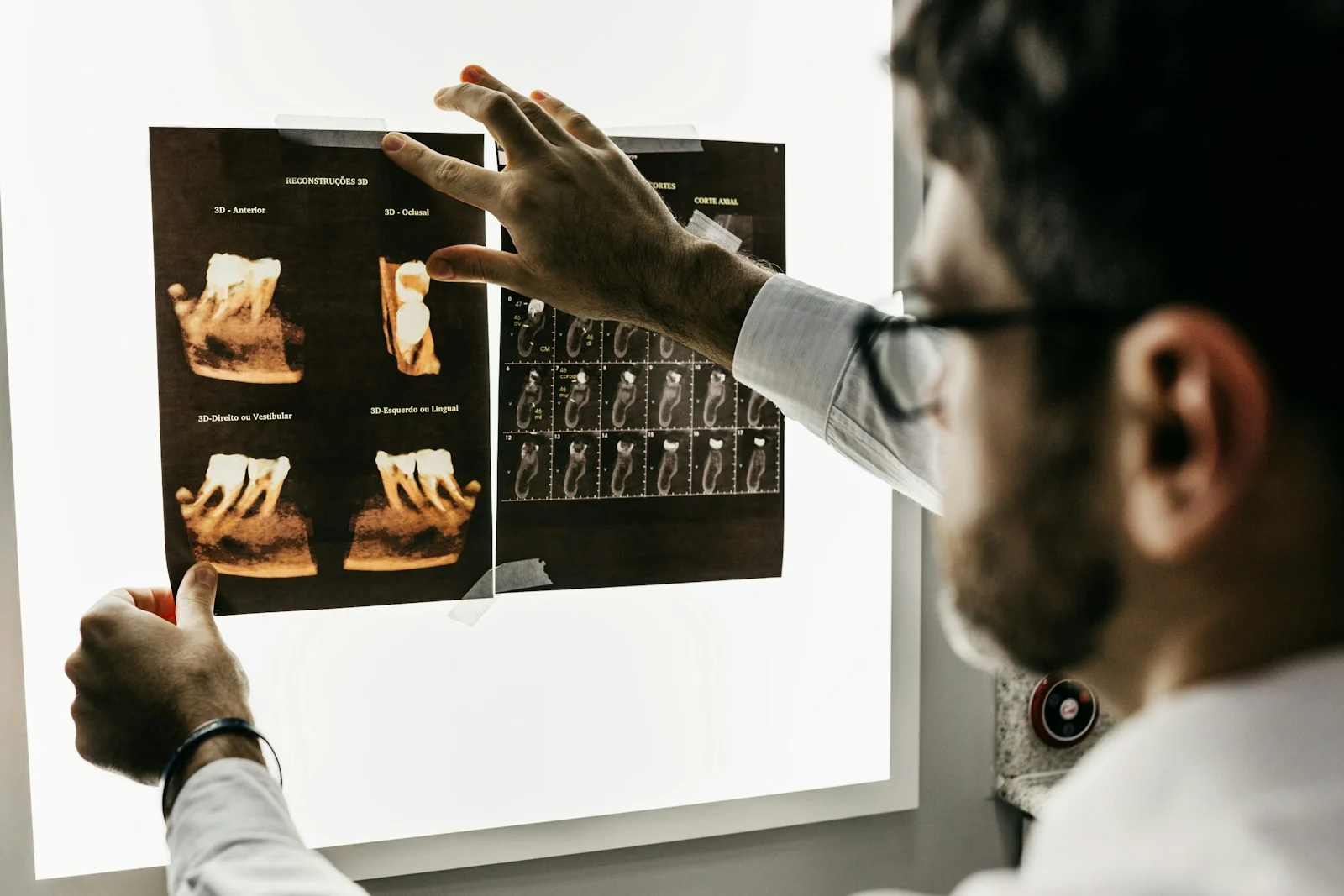
An optician’s retail checkout and a dental practice’s reception can use different software. Give the supplier the exact product and version; a card machine alone does not establish support for practice-management functions.
Compare DOJO card machines ↓A scene from your working day
Keep the amount clear, the machine easy to reach and the receipt ready for the customer or patient.
Identify the correct sale or appointment charge through the practice’s normal process. Keep the payment point clear and accessible.
Illustration only. Confirm the device, connection and software requirements for your business.
A question worth checking
A supported integration can pass an amount between software and a card machine. Compatibility depends on your supplier, version and configuration.
Ask which records are updated, what reference is shared and how refunds are handled. Optical retail, appointment administration and clinical records are wider software functions; confirm those separately from the payment connection.
DOJO integrated payments ↗
Payments and business tools
Compare fixed and portable payment points, plus a separate funding option for eligible practices.
Mains-powered countertop terminal with Wi-Fi or Ethernet; confirm till support with your EPOS supplier.
Explore DOJO Wired ↗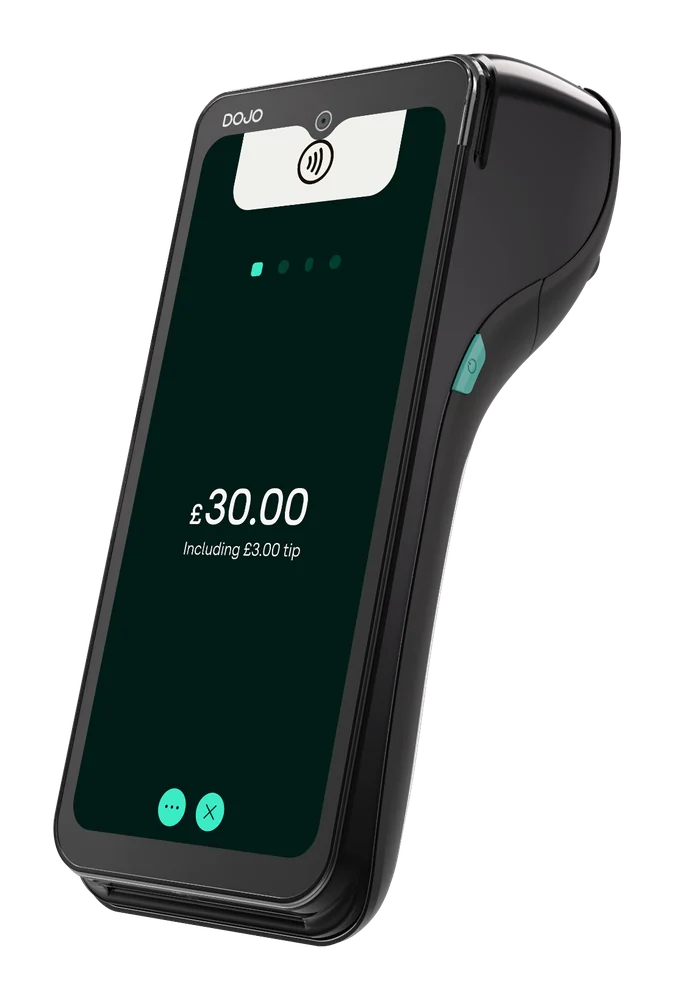
Portable terminal with Wi-Fi and 4G, built-in receipt printer and stated battery life up to 10 hours; check connection at your payment points.
Explore DOJO Go Max ↗
Business funding offered by DOJO with YouLend. Eligibility, fees and repayment terms are assessed for each application.
Explore DOJO Business Funding ↗Card payment fees
Compare a written quote with a recent merchant statement. Include any work your practice-software supplier needs to do, so those costs do not get missed.
Card processing fees explained ↗Changing provider
Coordinate with software suppliers and reception staff.
Check the agreement, confirm the software connection and schedule testing. Test payment, receipt, refund and reconciliation before cutover.
How Reeve Consult helps with a switch ↗Other industries we serve
Explore guidance for other working environments.
A portable terminal may let a patient pay elsewhere in the practice if it has a usable connection. Agree how staff identify the charge and record the payment before introducing that process.
Ask the practice-software supplier and DOJO to confirm support for your software version, the functions included and the information shared.
Ask the practice-software supplier which records a payment connection updates. Keep clinical information in the system intended for it; a payment integration does not establish that patient records are updated.
DOJO Wired is countertop and mains powered. Check the counter, connection and any required software integration.
Confirm receipt options, refund process and where records appear in payment and practice systems.
Practices differ in payment points and software. Assess reception, product-sale and appointment workflows.
Compare processing, equipment, recurring fees, software connection, support, refunds and contract terms.
Agree the installation and handover with both providers. Test payments, refunds and reconciliation before the new service takes over, and show reception staff what to do if something fails.
Your payment enquiry
Tell us whether you run an optical or dental practice, where payments happen and what software to check.
Product information checked 15 October 2026 against DOJO Wired, DOJO Go Max, DOJO integrated payments, DOJO Business Funding. Device availability, software support, pricing and commercial terms need confirmation for your setup.
 Retail
 Pubs & bars
 Restaurants
 Markets, food trucks & events
 Health & beauty
 Trades & services